Easy Build Server
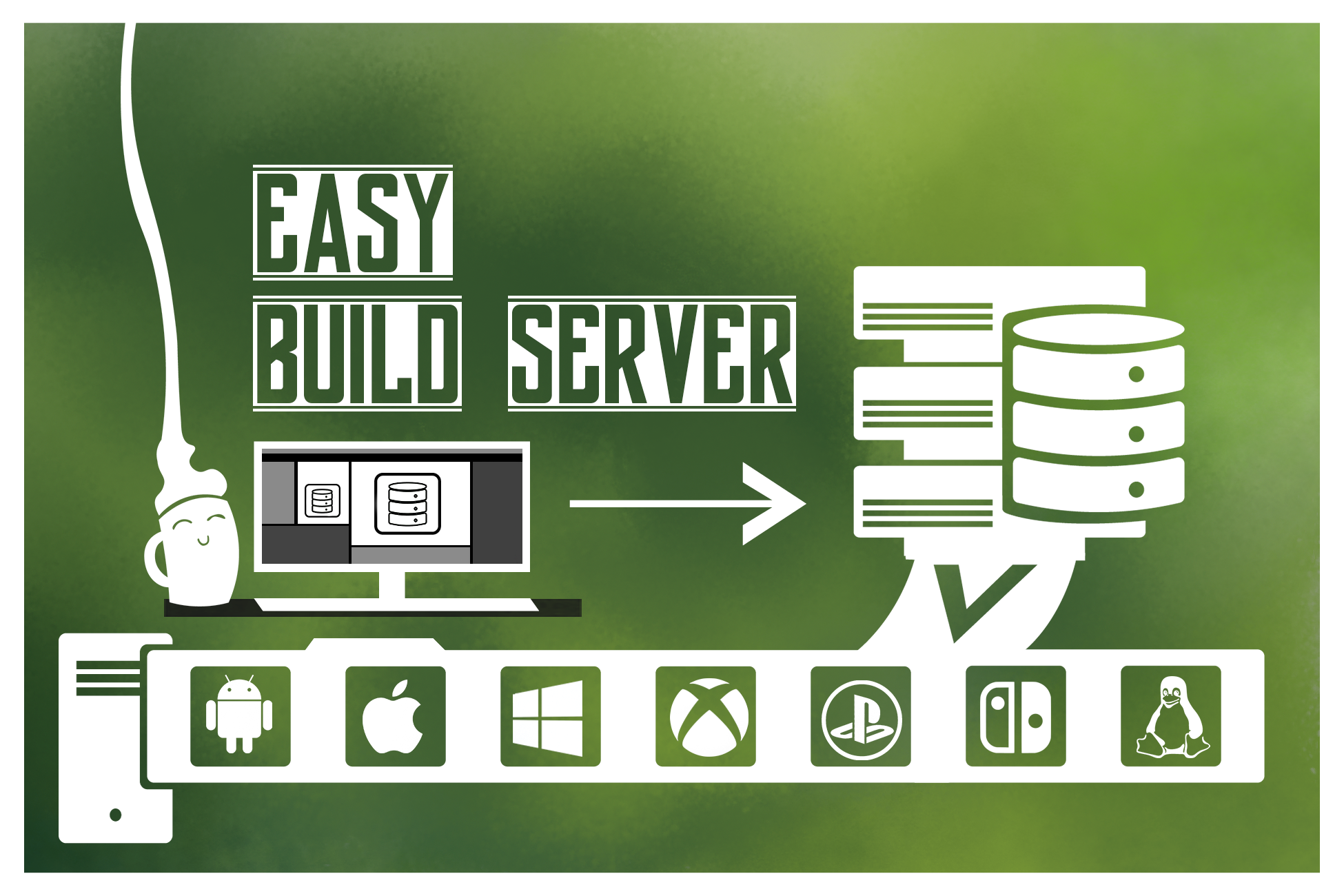
The 'Easy Build Server' was a piece of software developed for Alterego Games by me to easily orchestrate builds for multiple platforms on a server. It zips up the project, sends it to the selected server, unpacks and spins up a Unity instance for each platform you want to build. The build pipeline consists of three parts:
- A Unity editor plugin
- A client running on the host's computer
- A server application running on a dedicated build server
Announcement post on the Unity forum: https://forum.unity.com/threads/released-easy-build-server.783503/.
The Problem
Alterego Games is a company which builds games for many different platforms. During the development of the 'EasyBuildServer' we were busy with finishing and porting Woven to the PlayStation 4, Xbox One and the Nintendo Switch. However, building the game for just one platform would often take between 30 and 60 minutes. And, when building in Unity, your computer becomes unusable and you are unable to continue work while the project is being build. So, doing a test build for each platform would lock op the user's computer for at least two hours (not including Linux and MacOS builds). This is obviously not acceptable.
The obvious solution to this problem is to set up a build server. I first looked into using Jenkins, as it is very versatile and widely used in the game industry. However, it relies on the use of Git version control to pull a version of the project to build. At the time we used Unity Collaborate version control which does not support such a feature.
After researching a plethora of options I came to the conclusion that some sort of custom solution was the best option. I started out with the most simple version of what the tool had to do. It has to get the project files to the server and there start Unity from the command line and build the project and then put the build at some network shared location so it can be run and tested. The user also needs to be notified when the build is done.
Prototype
To check the viability of the project, I decided to create a quick prototype to validate the design. The pipeline consists of three parts: a Unity plugin where the build can be started and messages are send to about the progress of the build, a stand-alone client which uploads the project and a server which receives the project and starts the building process. Python was used for both the client and the server. As it is quick to prototype with.
Design Process
First I took inventory of the design constraints.